Features
Everything your loyalty card can do.
Nine features that turn one-time visitors into regulars. No brochure: the phones below show real screenshots from the Stempely app.


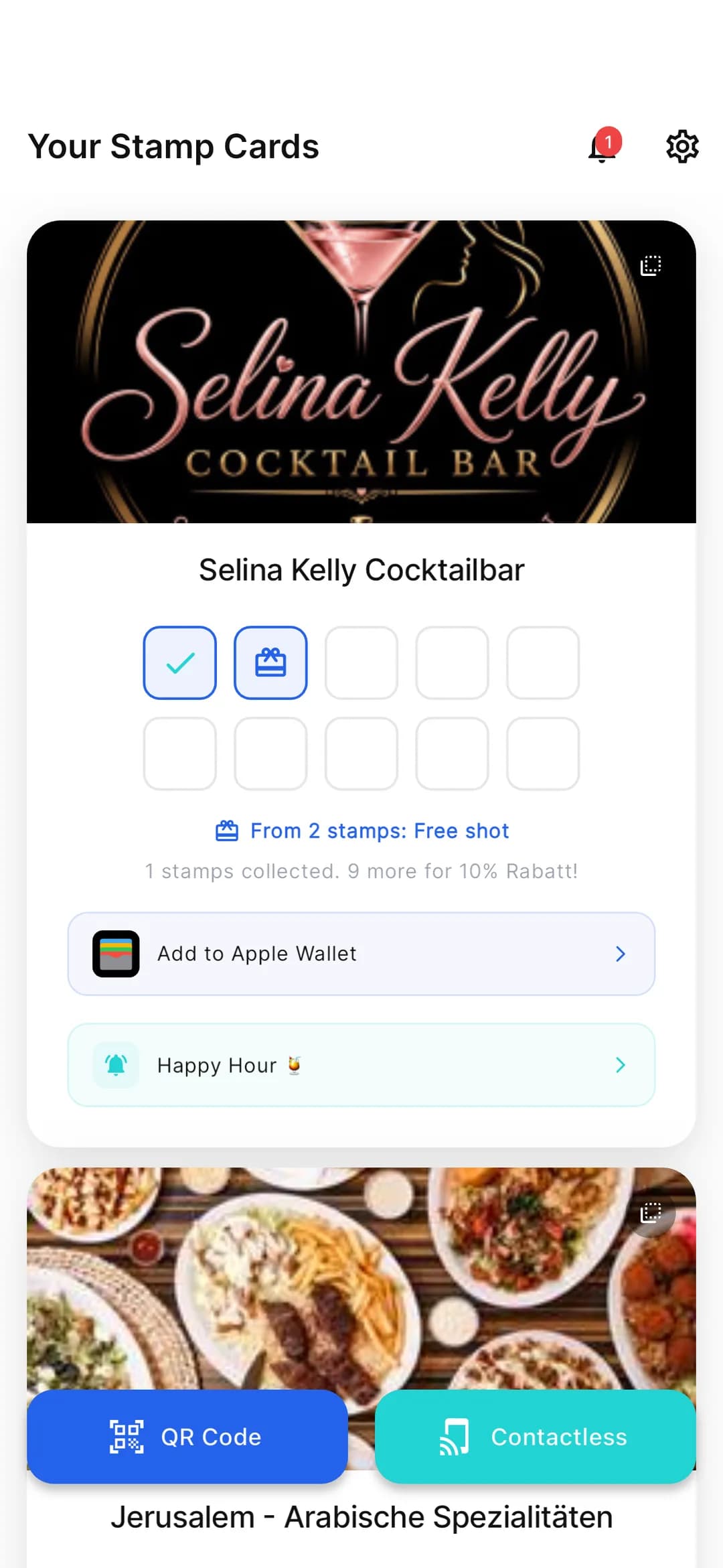
01 — Set up your card
Your card. In 2 minutes.
Upload your logo, enter the reward, done. Stempely picks up the colours from your logo and shows you live how the card looks in the app and in the Wallet.
- Upload and crop your logo – the card colour comes from it automatically
- Stamps per reward up to you, from 2 to 50
- Ready-made suggestions for restaurants, hairdressers and retail
- Validity and “one stamp per day” with a single click
02 — Multiple locations
One brand. Many branches.
Every branch gets its own card, its own QR code and its own stats – all managed from a single account.
- Own loyalty card and QR code for each location
- Customers, stamps and redemptions reported separately per branch
- All locations under one login, no second account
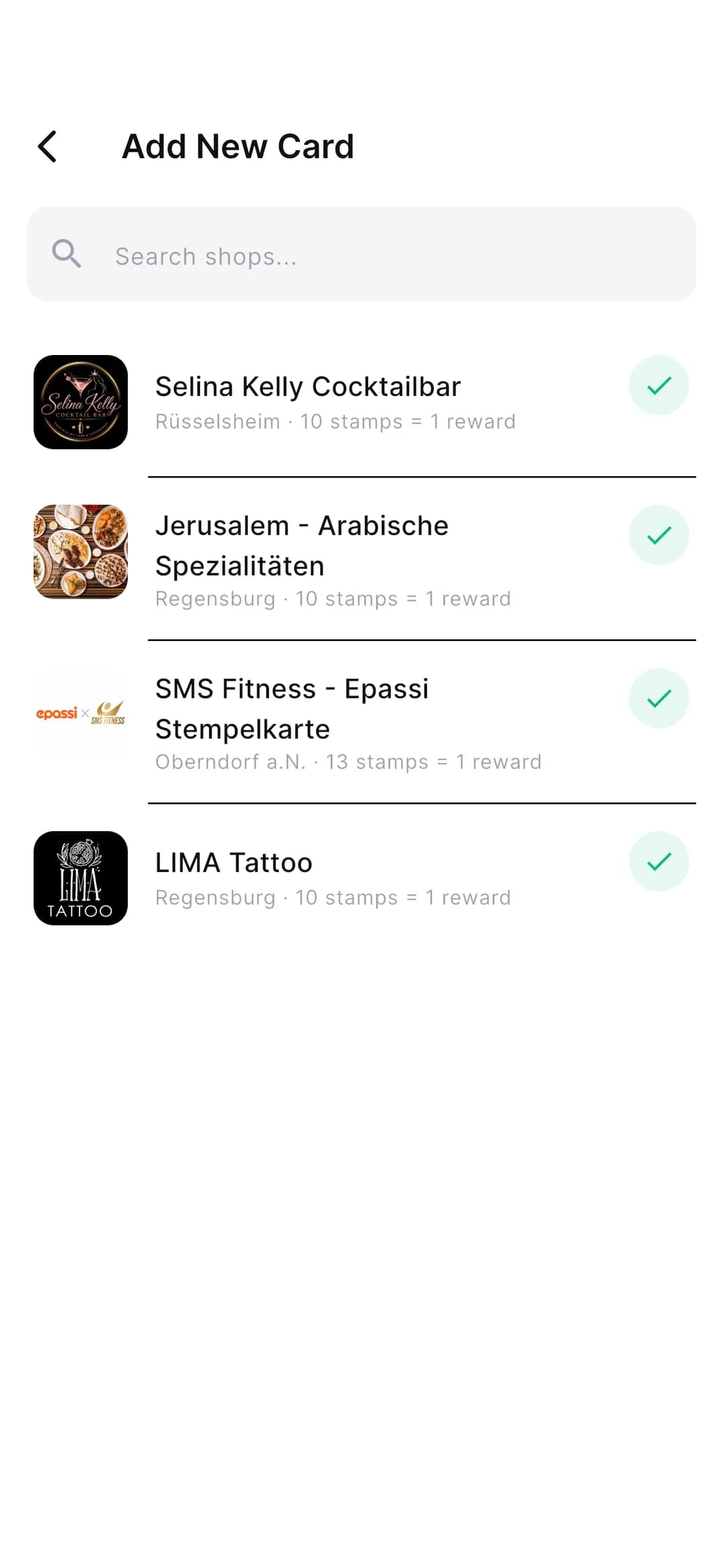
03 — Apple & Google Wallet
In the Wallet. No app needed.
Your customers choose: the Stempely app or straight into Apple Wallet or Google Wallet. Scan the QR code with the normal camera – and the card sits right next to their boarding passes and tickets.
- Apple Wallet (iPhone) and Google Wallet (Android)
- No download: open the camera, scan the QR code, save the card
- The card updates itself after every stamp
- App and Wallet are equal options – your customers pick what they prefer
04 — More visibility
Your card spreads the word.
The back of the Wallet card shows your Instagram profile and your Google listing. One tap – and your customer follows you or writes a review.
- “Follow us on Instagram” right on the card
- “Review us on Google” opens the review window instantly
- The links are always there – every time they open their Wallet
05 — Google reviews
Happy customers. New stars.
At the happiest moment – right after redeeming the reward – the app asks your customer for a Google review. More stars means more visibility on Google Maps.
- Automatic after redeeming, with nothing for you to do
- One tap on “Review us on Google now” opens your Google profile
- At most every 90 days per customer – friendly, not pushy
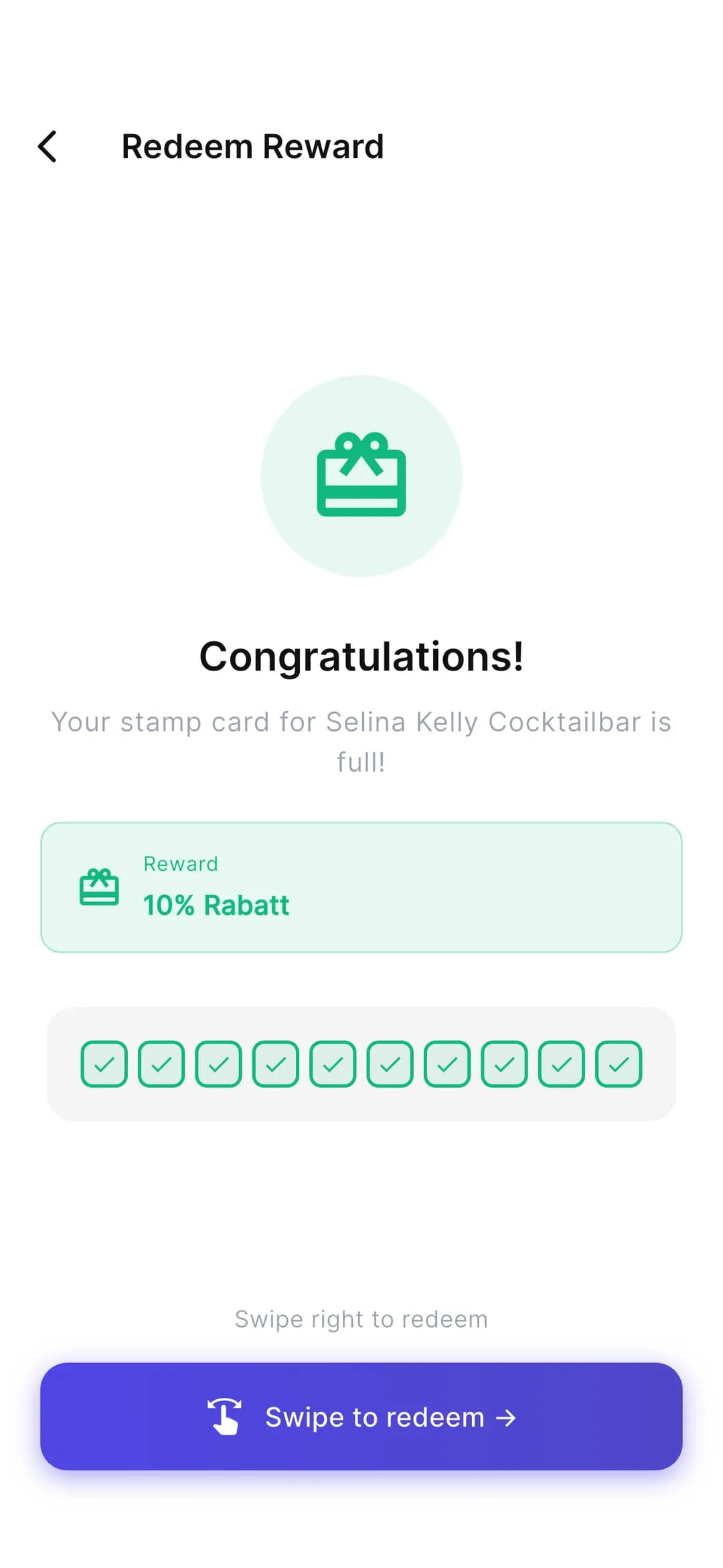
06 — Listed on Stempely
Get found. On Google and in the app.
Every shop gets its own public page with opening hours, address and reward – optimised for search engines. And in the app, new customers find you in the Stempely directory.
- Your own shop page on stempely.com, findable on Google
- A listing in the Stempely app directory, with search
- You decide whether your shop is visible
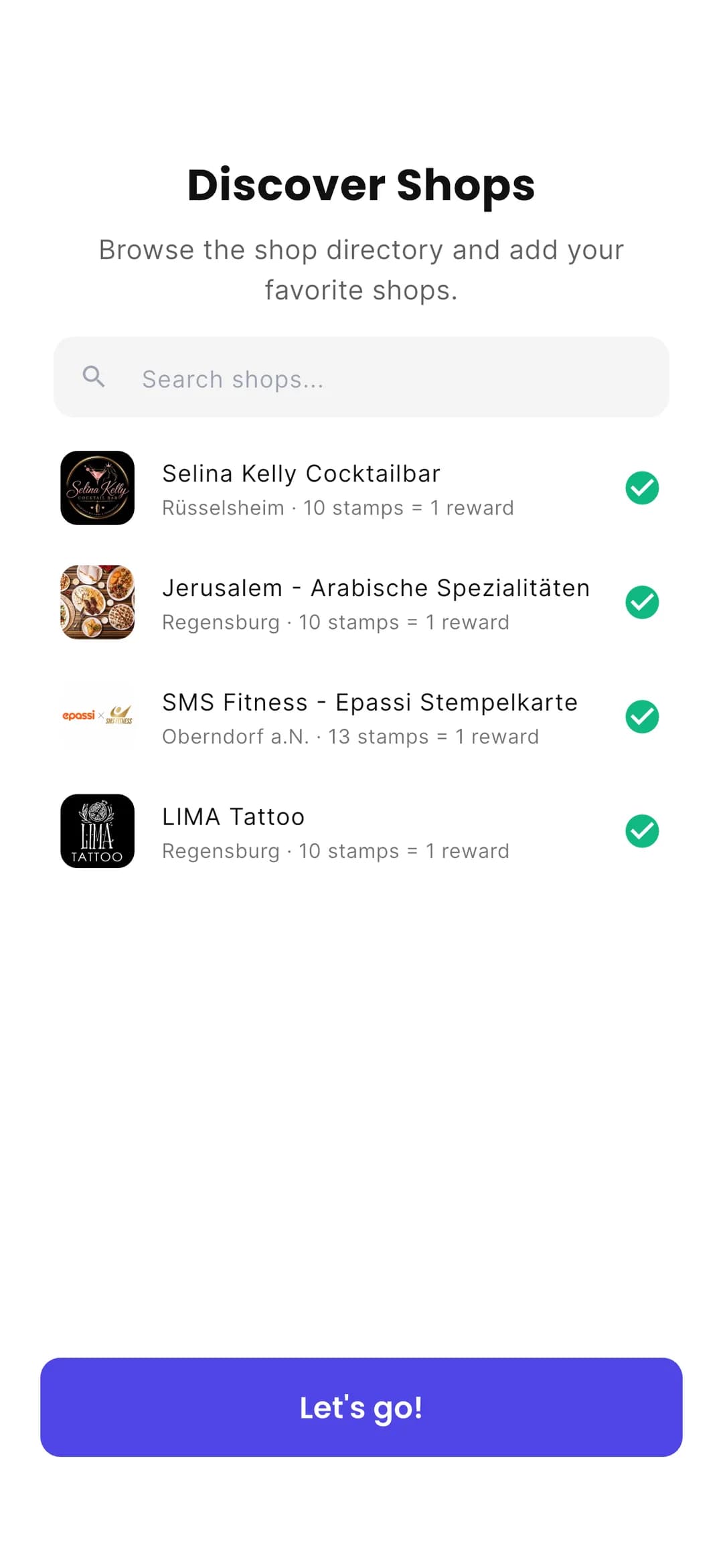
07 — Milestone reward
Halfway gets rewarded.
Ten stamps is a long way. At stamp 5 there is already a little surprise – it keeps motivation high and brings your customers back more often.
- Set your milestone reward freely, e.g. at stamp 5
- Multiple levels are possible too
- Push notification as soon as the level is reached
- Marked on the card in the app and in the Wallet

08 — Opening hours
Flip it. Know if you’re open.
One tap on the card and it flips: the back shows the address and opening hours. You pull them in with one click from your Google Business Profile.
- Opening hours and address on the back of the card
- Imported from Google with one click
- In the app and on the Wallet card
09 — Your own app
Knows the name. And the birthday.
In the Stempely app your customers create a profile – with their name and, if they like, their birthday. A loyalty card becomes a personal relationship.
- Profile with name and birthday – entirely optional
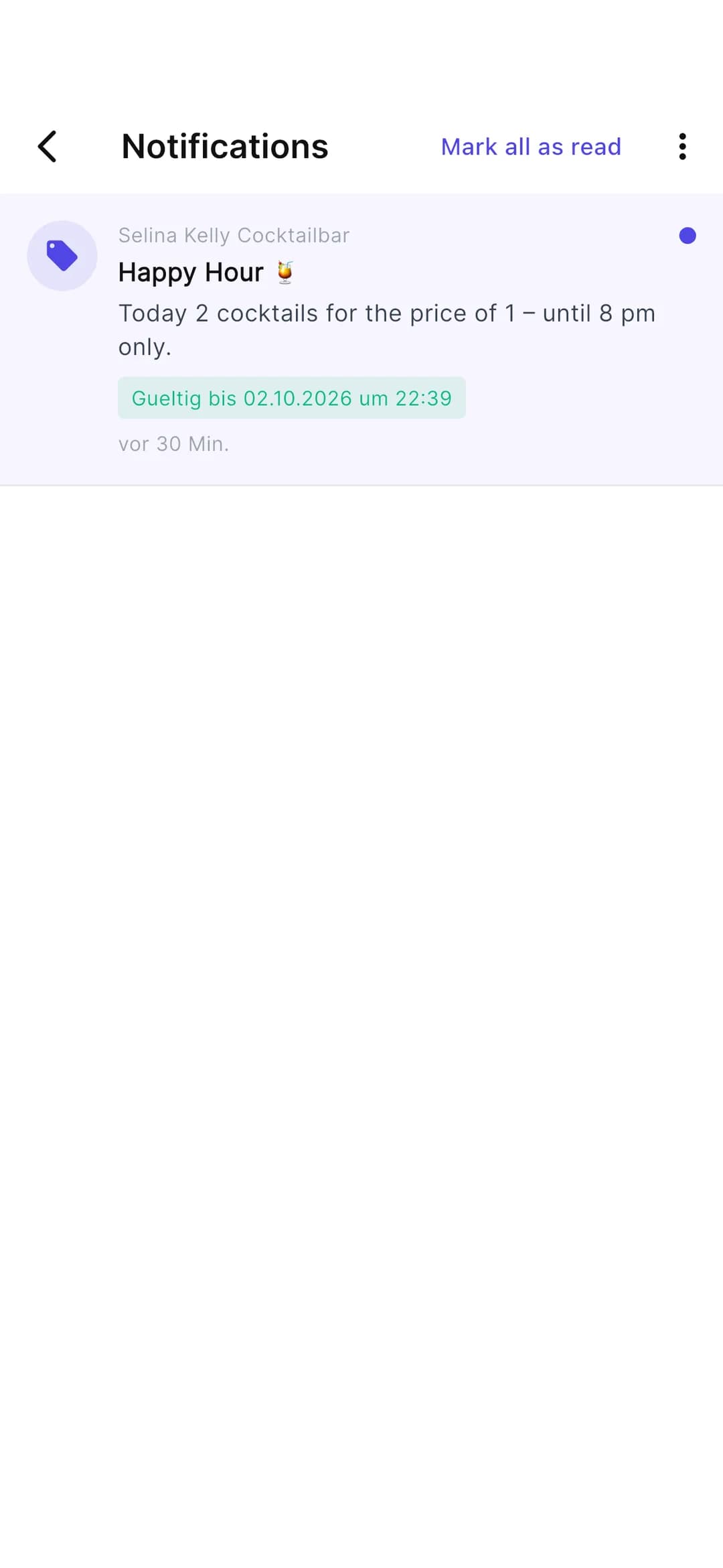
- Push notifications for offers and promotions
- All cards from all shops in one app
- Full card? One tap on “Redeem” is all it takes

Frequently asked questions about the features
Do my customers need the Stempely app?
No. Your customers can also save the card straight to Apple Wallet or Google Wallet – just scan the QR code with the camera. The app is an equal alternative with extras like a profile and the directory.
Can I manage several branches?
Yes. Every location gets its own card, its own QR code and its own reporting – all in one account.
How does the milestone reward work?
You decide at which stamp there is a little surprise, for example at stamp 5. As soon as your customer reaches that level, they get a push notification and the level is marked on the card.
When does Stempely ask for a Google review?
Right after your customer has redeemed their reward in the app – provided you have added your Google Business Profile. At most every 90 days per customer. On top of that, the Wallet card always carries a “Review us on Google” link.
Where do the opening hours on the card come from?
You enter them in the dashboard or import them with one click from your Google Business Profile. They then appear on the back of the card in the app and in the Wallet.
What does it cost?
Stempely is free up to 25 customers – with all features except multiple locations. After that, you continue with Premium.
Ready for regulars?
Set up your card, put up the QR code, off you go – in just a few minutes.
Start for freeFree up to 25 customers · no credit card needed